| MEDIA NOTES | Winter, 2012 |

Woodrum-Media - 1619 N. Bowman, Danville, IL 61832 |
2012 Calendar AvailableI have printed a 2012 Calendar featuring photos that I have titled “Falling Waters.” The calendar is a collection of photos taken throughout my career of waterfalls and cascades throughout the country. Many of the photos were taken within the last year but many have also been pulled from the archives |
|
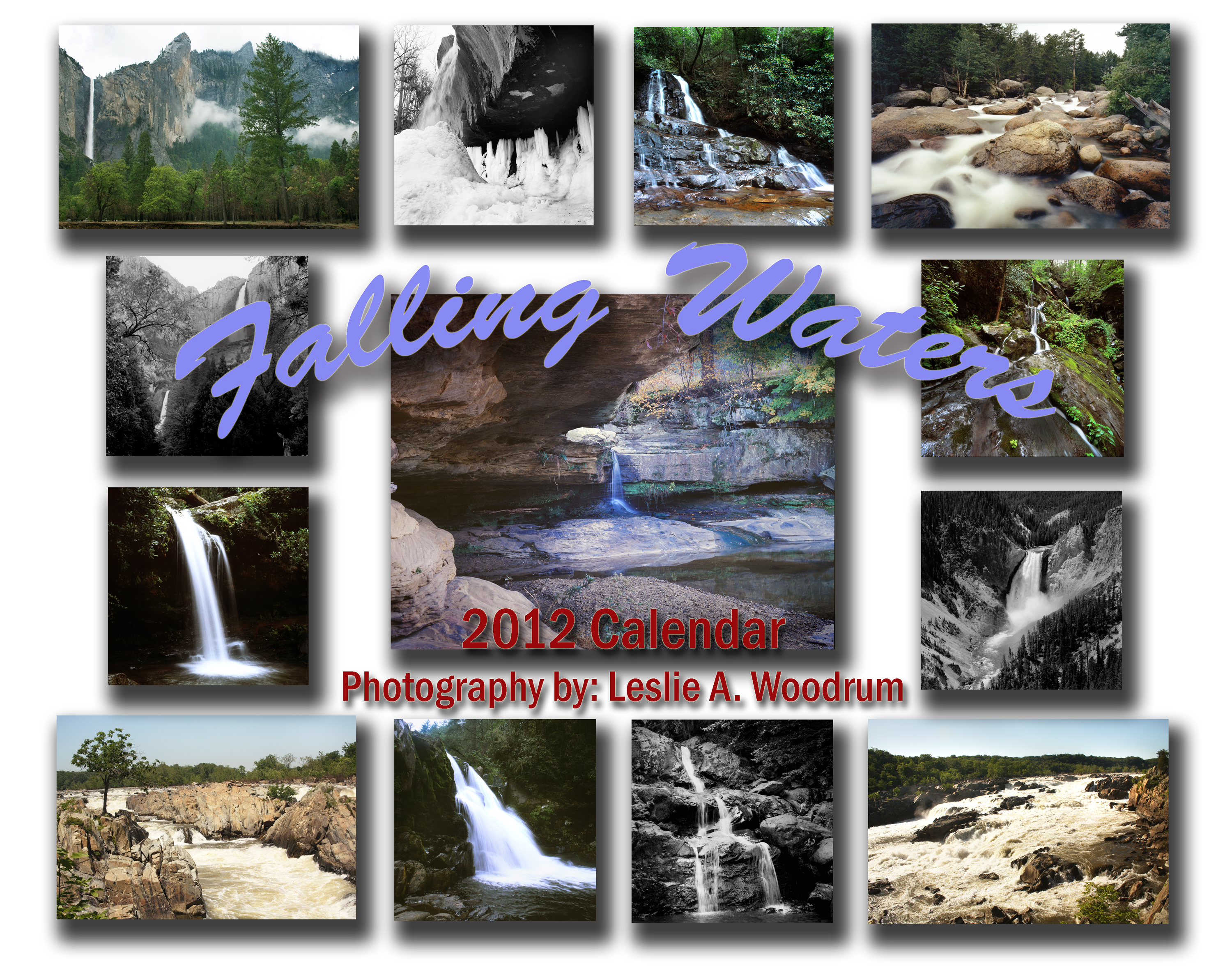 |
The price for the calendar is $20.00 @ (There is a discount if you order two or more). Each calendar will be signed by the artist. To get your copy of the 2012 calendar, e-mail Les at lesw@woodrum-media.com or call 217-443-4403 after 4:00 p.m. If I run out of supplies, I can get restocked within three days. I have already had to reorder twice to keep up with Christmas orders. |
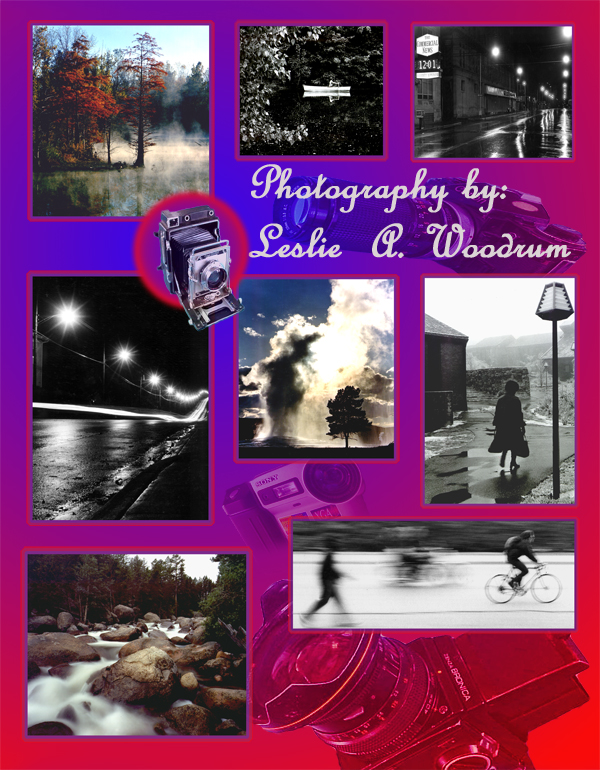
Let me know what classes or Workshops you would like My spring is lining up to be a very busy time for me. Besides teaching six classes for DACC, I am also expecting the arrival of our first grandchild to the family. For these reasons, I will be cutting back on the number of private classes and workshops I usually present in the spring. I want to know what classes, tours, and/or workshops you would like to see offered. Past classes and workshops have included basic studio portrait photography, advanced black & white photography, and B&W darkroom techniques. Tours have included overnight trips to Southern Illinois and one day trips through west-central Indiana . E-mail lesw@woodrum-media.com with your class requests, and I will try to set up some workshops for May and June this spring. |
| Digital Notes | ||||
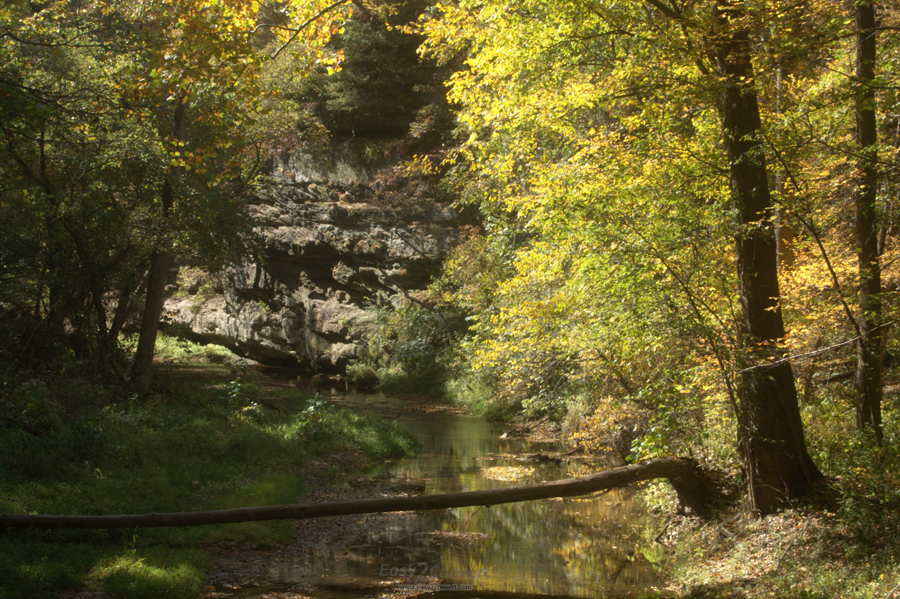
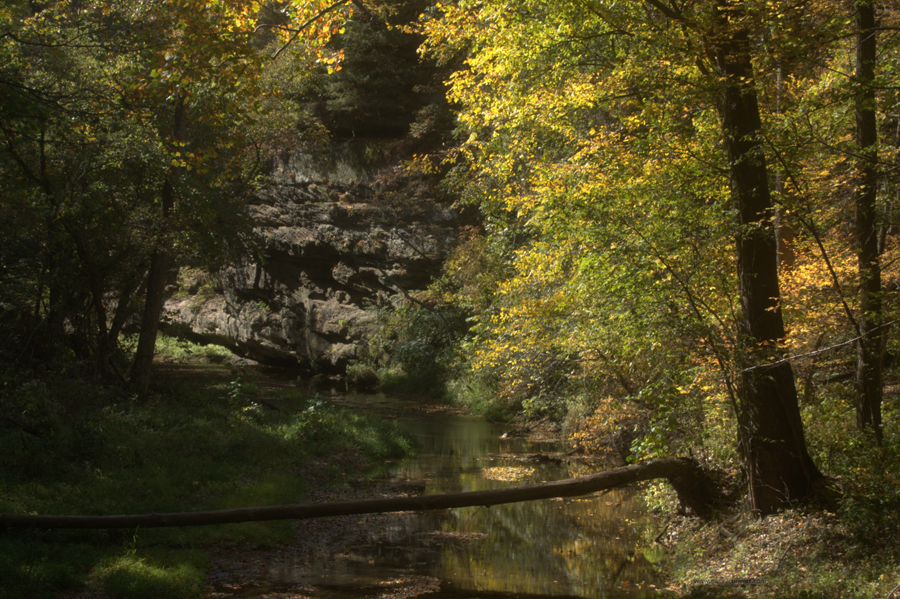
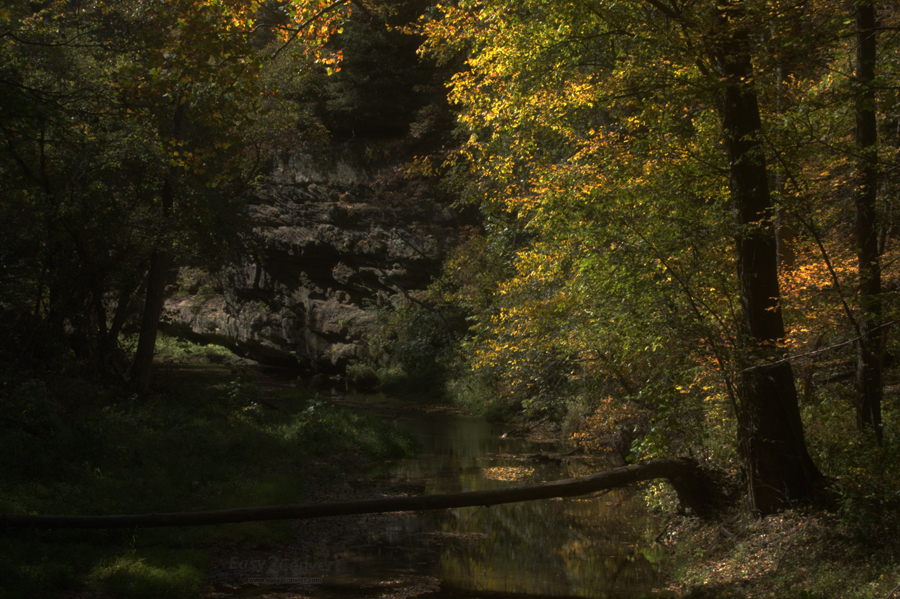
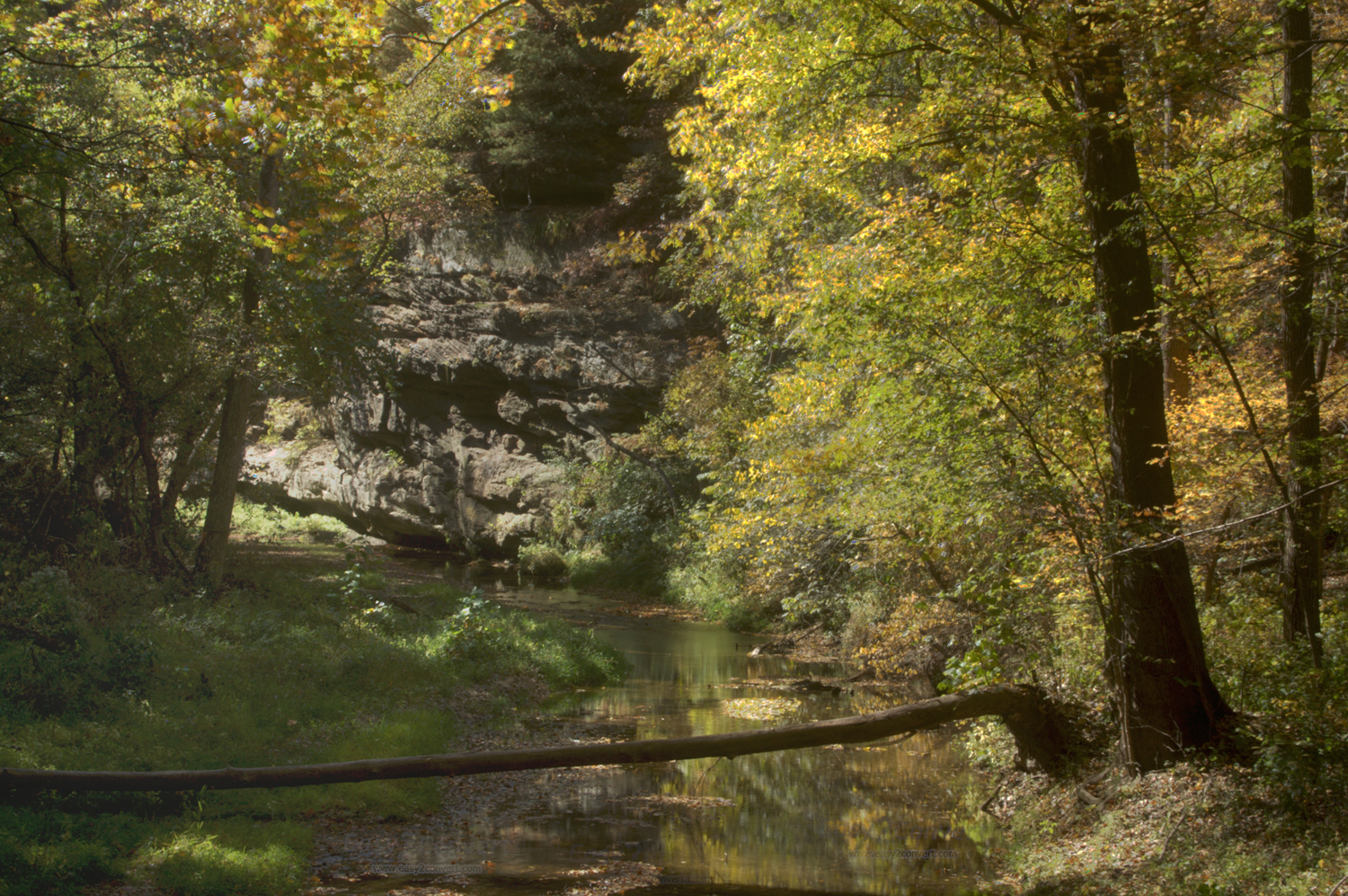
Digital images have about the same latitude as traditional slide film. There are a couple of ways to extend the tonal range of digital images. This first, and probably the easiest is shooting digital images in the RAW format. RAW images allow you to make some fantastic corrections to highlight and shadow areas. Another method I have recently been experimenting with is processing bracketed images in Photoshop using the High Dynamic Range (HDR) automatic option. Using HDR processing in Photoshop, you choose two or more exposure bracketed images and Photoshop picks the best exposures from each of the files to create the image. When trying to shoot for the HDR processing, you need to put the camera on a tripod. Next, you need to bracket the exposure in at least 2/3 stop increments. I usually just change the exposure compensation to -2, and then increase the exposure by 2/3's of a stop until the exposure compensation dial is at +2. This gives me seven shots with a full range of exposures from way to dark to way to bright. The Photoshop HDR processing is pretty simple. Just pick four to five of the files by going to Automate – HDR. Photoshop does the rest. After Photoshop is done processing your files, you may have to tweak the final image a little. The amount of detail you can retain from both the shadow and highlights will surprise you.
|
||||
|
 |
 |
 |
|
EV +2/3 |
EV -0- |
EV -2/3 |
EV -1-1/3 |
|
 |
||||
Four images combined using HDR processing in Photoshop |
||||
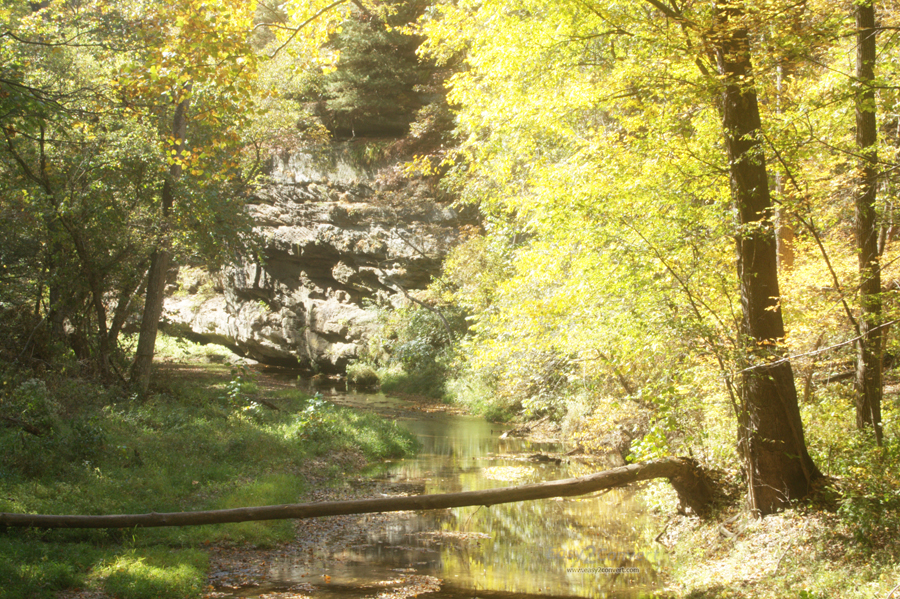
Photo of the Quarter |
|
| “Garden of the Gods” Shawnee National Forest , IL - © 2011 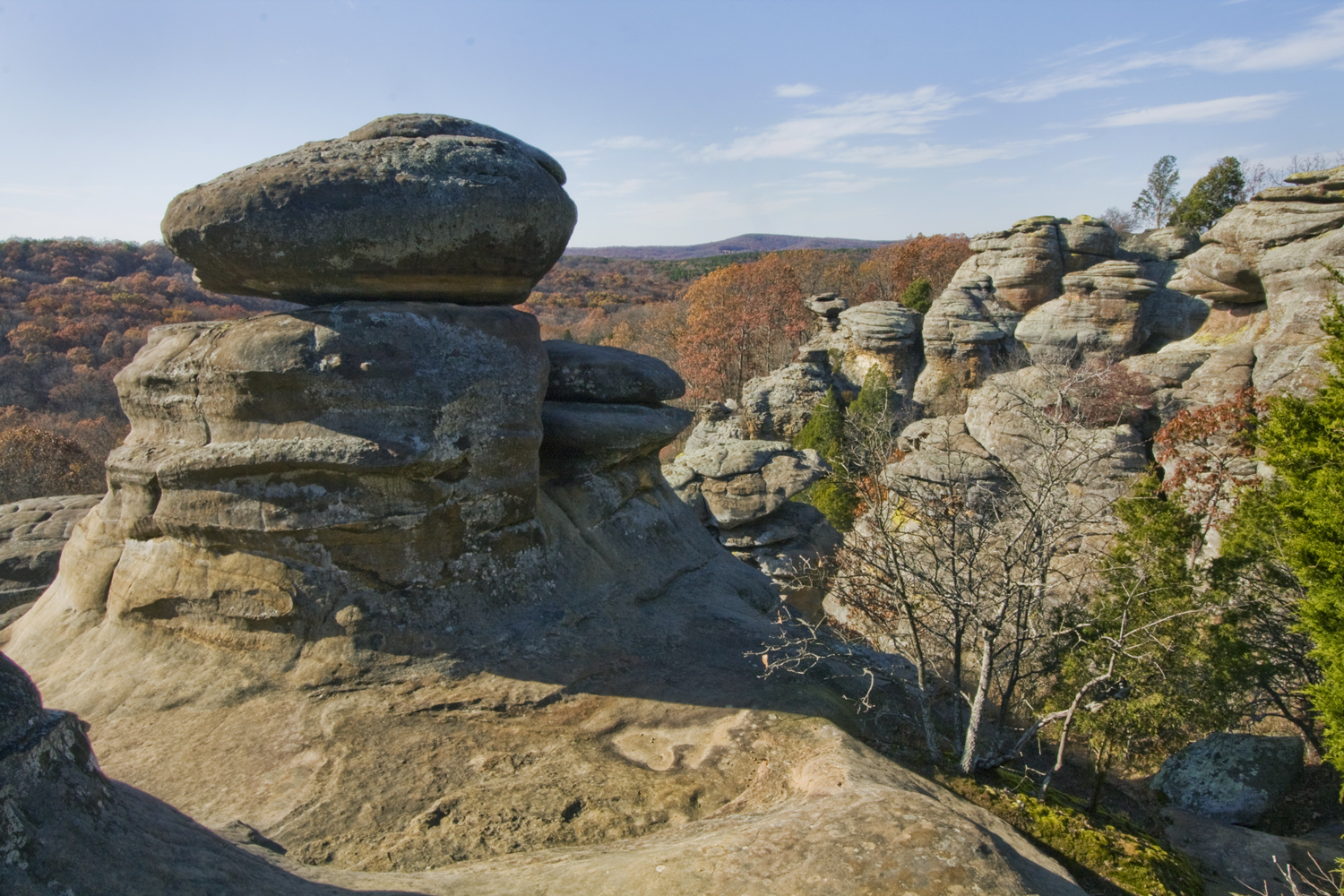 |
Every now and then, I get a wild hair and have to take off to Southern Illinois to take photos. On November 11 th , last month, I was out early in the morning trying to photograph a full moon at Lake Vermilion . After not having a lot of luck, I pointed the car south and four hours later, I was at the Garden of the Gods. I have been here many times and have always been able to produce fantastic images. At least once a year, I offer tours to Southern Illinois , and Garden of the Gods is always a planned stop. Camera – Canon XSi digital camera, 10-22mm lens at 14mm ISO – 100, Exposure – 1/25 sec. at f /22
|
Past issues
Summer, 2011 Issue - PDF Version
Winter, 2011 Issue - PDF Version
Summer, 2010 Issue - PDF Version
Spring, 2010 issue - PDF Version
Winter, 2010 issue - PDF Version
Fall, 2009 issue - PDF Version
Summer, 2009 issue - MS word Version
Spring, 2009 issue - MS Word Version
Winter, 2009 issue - MS Word Version
Fall 2008 issue - MS Word Version
Summer 2008 issue - MS Word Version
Spring 2008 issue - MS Word Version
January, 2008 issue - MS Word Version
Woodrum-Media
1619 N. Bowman
Danville , IL 61832
Phone: 217.443.4403
E-Mail: info@woodrum-media.com
For PDF version of this newsletter - click here
All Photos © Leslie A. Woodrum